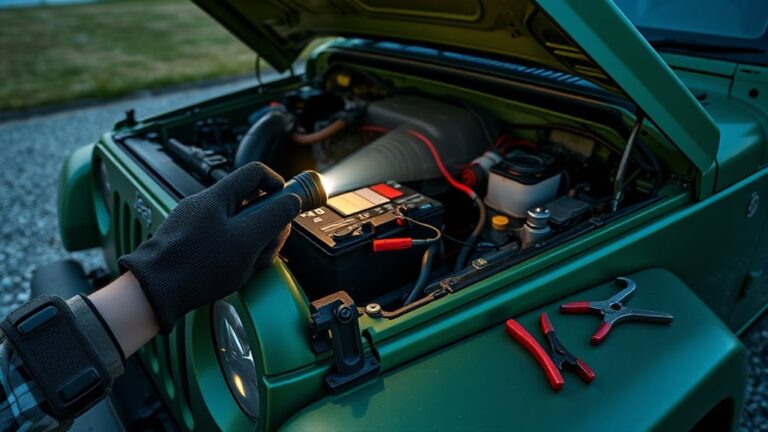
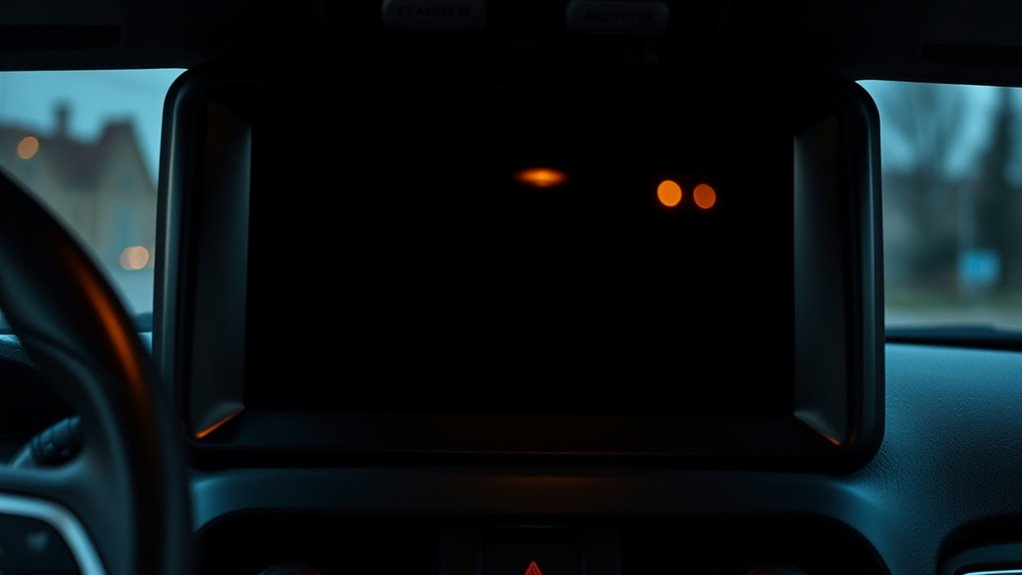
Why Did My Jeep Radio Screen Go Black?
Your Jeep radio screen likely went black due to power issues like blown fuses, loose wiring, or faulty connections. It could also be a software glitch, outdated firmware, or hardware problems with the display or backlight.
Extreme temperatures may cause temporary or lasting damage, too. If simple resets and fuse checks don’t help, deeper diagnosis is needed.
Keep exploring to discover how to diagnose, fix, and prevent these black screen problems effectively.
Key Takeaways
- Power issues like blown fuses, loose wiring, or damaged connectors commonly cause a Jeep radio screen to go black.
- Software glitches or outdated firmware can freeze or blackout the radio display, requiring resets or updates.
- Extreme temperatures may cause backlight failure or internal damage, resulting in intermittent or persistent black screens.
- Internal hardware faults, such as faulty backlight or damaged components, often lead to unresponsive or blank radio screens.
- Persistent black screens after troubleshooting should be professionally diagnosed to prevent further damage and restore functionality.
Why Your Jeep Radio Screen Goes Black
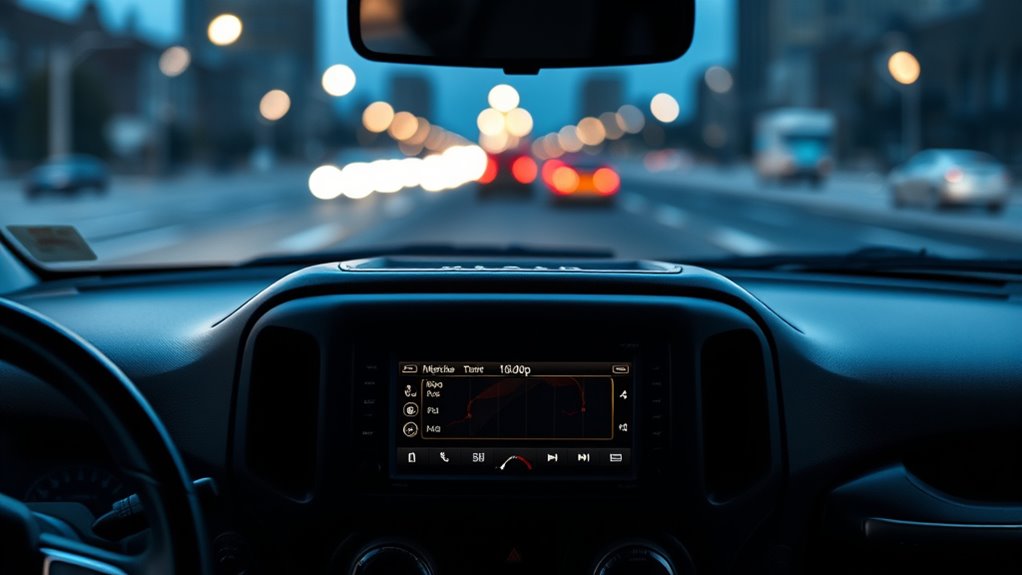
If your Jeep radio screen goes black, it’s often due to power interruptions like loose wiring or blown fuses. But that’s not the only cause of a black screen. Software glitches or outdated firmware can disrupt your radio’s display, making it go dark unexpectedly.
Sometimes corrupted system files interfere with normal operation, leading to a black screen as well. Extreme temperatures, whether too hot or too cold, can also affect your radio’s functionality and cause temporary or persistent blackouts on the screen.
Corrupted files and extreme temperatures can disrupt your radio, causing temporary or lasting black screen issues.
Internal hardware issues, like a faulty display backlight or damaged components, might be the culprit if the black screen persists despite resets. Luckily, many temporary black screen problems resolve after you reset the system or update the infotainment software.
Understanding these potential causes helps you diagnose why your Jeep radio screen goes black and guides you toward the right fix without unnecessary guesswork.
How to Check and Replace Jeep Radio Fuses
First, find your Jeep’s fuse box—it’s usually located under the dashboard or in the engine bay. Take a look at the fuse diagram to spot the fuse connected to the radio. Once you’ve found it, carefully pull the fuse out using a fuse puller or a pair of pliers.
Check the fuse for any signs of damage or burning. If it looks blown, simply replace it with a new fuse that has the same amperage rating. After that, test your radio screen to see if it’s working properly again.
Locating Jeep Fuse Box
When your Jeep radio screen isn’t working, locating the fuse box is essential for troubleshooting. You’ll typically find it under the dashboard on the driver’s side or in the engine compartment. Your owner’s manual is the best guide to pinpoint its exact location.
Once there, check the fuse box cover or manual for the fuse diagram to identify the fuse linked to the radio or infotainment system.
To locate the correct fuse, follow these steps:
- Consult the owner’s manual for the fuse box location and diagram.
- Open the fuse box and find the fuse labeled for the radio.
- Use a fuse puller or pliers to carefully remove the fuse for inspection or replacement.
Knowing where the fuse is helps you quickly address radio screen issues.
Inspecting Radio Fuses
Wondering how to check if your Jeep’s radio fuse is the culprit behind a blank screen? Start by locating the fuse box, usually under the dashboard or in the engine compartment. Use your owner’s manual for guidance.
Next, find the fuse labeled for the radio or infotainment system by consulting the fuse diagram on the fuse box cover or in the manual. Carefully remove the fuse with a fuse puller or needle-nose pliers and inspect it closely.
If you see a broken wire or a burnt appearance, the fuse is likely blown. Remember, replacing a blown fuse with one of the same amperage is essential to prevent electrical issues.
After inspecting or replacing the fuse, turn on your Jeep to see if the radio screen powers up correctly.
Replacing Blown Fuses
After inspecting your Jeep’s radio fuse, you might find it’s blown and needs replacing. Start by locating the fuse box, usually under the dashboard or in the engine compartment. Use your owner’s manual to identify the radio or infotainment fuse, labeled as “Uconnect” or “Audio.”
To replace a blown fuse: use a fuse puller or needle-nose pliers to carefully remove the fuse. Check the fuse for a broken or burnt filament. Replace it with a new fuse of the same amperage rating.
Once replaced, turn on your vehicle and check the radio screen. If it lights up, you’ve successfully fixed the issue. Always use the correct fuse to avoid electrical problems or damage to your Jeep’s system.
How to Reset Your Jeep Radio to Fix a Black Screen
If your Jeep radio screen goes black, don’t worry—start by doing a soft reset. Just press and hold the volume and tune knobs together for about 10 seconds until you see the screen restart.
If that doesn’t do the trick, you can try a hard reset. For this, you’ll need to disconnect the negative battery terminal and leave it off for at least 5 minutes before reconnecting it. Just make sure your vehicle is completely off before you begin, so you avoid any electrical issues.
Soft Reset Procedure
When your Jeep radio screen goes black, you can quickly restore it by performing a soft reset. This method is simple, fast, and often fixes temporary glitches without disconnecting the battery. To do a soft reset, press and hold the volume and tuning buttons at the same time for 10 to 20 seconds. Release them once the system’s logo appears, signaling the screen is restarting.
Here’s why the soft reset is your first troubleshooting step:
- It refreshes the system’s memory and clears minor errors.
- It avoids invasive measures like hardware resets.
- It’s a quick fix that often restores normal display functionality.
If the screen stays black after this, you may need further steps.
Hard Reset Method
Although a soft reset often fixes minor glitches, performing a hard reset on your Jeep radio can clear deeper software issues that cause the screen to remain black. To do this, first turn off all vehicle electrical systems to avoid surges.
Then, disconnect the negative terminal of your Jeep’s main battery and leave it disconnected for at least five minutes. This hard reset cuts power completely, allowing the system to fully reboot.
After the wait, reconnect the battery terminal securely, put the ignition on without starting the engine, and let the radio restart. Always wear gloves and eye protection when handling the battery to stay safe.
This hard reset often resolves persistent black screen problems by clearing software glitches effectively.
How Software Glitches Cause Jeep Radio Black Screens
Since software glitches can disrupt your Jeep’s infotainment system, you might experience unexpected black screens on the radio display. These glitches often stem from outdated or corrupted firmware, causing the screen to freeze or go black while other functions keep working.
Temporary software bugs may also trigger black screens, especially during system updates or power interruptions.
Here are three common ways software glitches cause black screens:
- Firmware corruption leads to system freezes, making the display go black.
- Temporary bugs during updates or power loss interrupt normal screen function.
- System crashes from software errors require resets to restore the display.
If you notice repeated black screens, it could signal deeper compatibility or firmware issues. Addressing software glitches quickly can prevent persistent problems and keep your Jeep’s infotainment running smoothly.
How to Update Your Jeep’s Infotainment Software
Experiencing black screens due to software glitches often means your Jeep’s infotainment system needs an update. To update your Uconnect system, start by visiting the official Jeep website. Enter your vehicle identification number (VIN) to download the latest firmware onto a USB drive formatted as FAT32.
Before inserting the USB, make sure your Jeep is in the “Acc” or “On” position without starting the engine. Plug the USB into the vehicle’s designated port, then follow the on-screen prompts to begin the update. Keep the ignition on and don’t remove the USB or turn off the engine until the update finishes.
Regularly updating your Uconnect system not only fixes bugs but also improves performance and can resolve issues like the black screen. Staying proactive with software updates ensures your infotainment system runs smoothly and prevents frustrating interruptions while driving.
How to Inspect Wiring Causing Jeep Radio Black Screens
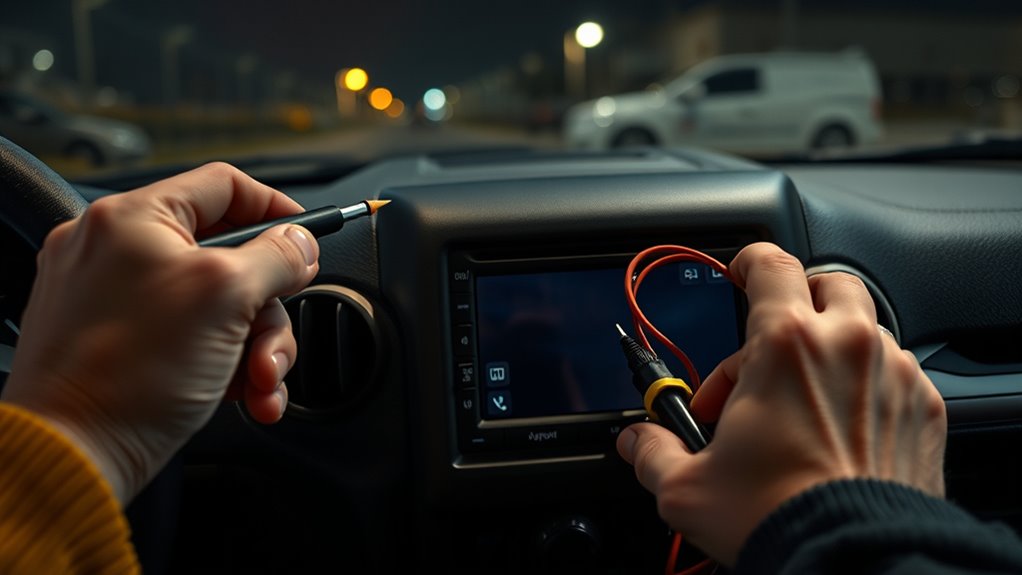
First, you’ll want to check the wiring harness behind your Jeep’s radio. Make sure there aren’t any loose or corroded connections that could be cutting off power or signals. Take a good look for any obvious damage too, like frayed wires or melted insulation.
If you have a multimeter handy, that’s a great tool to use next. It can help you check the voltage and ground to make sure everything is wired up properly and working as it should.
Checking Harness Connections
Before diving into complex repairs, you’ll want to carefully remove the radio or access panel to expose the wiring harness behind your Jeep’s dashboard. Make sure the vehicle is off and the battery is disconnected for safety.
Once exposed, inspect the wiring harness for any loose connections, corrosion, or bent terminals that might cause the screen to go black. To check harness connections effectively:
- Visually examine connectors for corrosion, fraying, or damaged pins.
- Use a multimeter to verify consistent voltage and proper grounding.
- Disconnect and firmly reseat all wiring harness connectors, ensuring locking tabs snap securely.
Cleaning the connectors with electronic contact cleaner can also help. Properly checking the wiring harness connections often restores power and signal flow, resolving black screen issues.
Identifying Wiring Damage
After verifying the wiring harness connections behind your Jeep’s radio, the next step is to carefully inspect the wiring itself for any damage that might cause the screen to go black. Look closely for frayed or worn insulation that could cause short circuits or intermittent power loss.
Check connectors and terminals for corrosion or rust, which can disrupt electrical contact. Make sure all wiring connections are secure, and watch out for bent or broken pins in power and data lines.
Use a multimeter to test wiring continuity and confirm that grounding wires are properly connected and intact. Addressing any damaged wiring you find will help restore reliable power and signal flow to your radio, preventing the black screen issue from recurring.
How to Diagnose Power Issues Affecting Your Jeep Radio
When your Jeep radio fails to power on, the problem often lies within the vehicle’s electrical system. Start by checking the fuse box for a blown fuse labeled “Radio” or “Uconnect.” A blown fuse can cut power to the radio, so replace it if necessary.
If your Jeep radio won’t turn on, begin by checking the fuse labeled “Radio” or “Uconnect.”
Next, use a multimeter to verify the radio’s power supply wire is delivering proper voltage. Also, ensure the ground connection is secure.
Finally, inspect the wiring harness behind the dashboard for any loose, frayed, or corroded connections that could disrupt power flow.
Here’s a quick checklist to diagnose power issues:
- Check and replace the fuse related to the radio.
- Measure voltage on the power supply wire and confirm a good ground.
- Inspect wiring harnesses for damage or poor connections.
How Extreme Temperatures Affect Jeep Radio Screens
How do extreme temperatures impact your Jeep radio screen? When the temperature soars, the LCD can overheat, causing your screen to go black or suffer permanent damage.
On the flip side, freezing temperatures make the backlight and internal parts contract, which might lead to flickering or a completely black display.
Temperature swings between hot and cold are especially harmful because they can create condensation inside the screen. This moisture risks short circuits and corrosion of the internal circuitry.
Prolonged exposure to high temperatures also speeds up the wear on your display’s backlight, causing it to fail earlier than expected.
To protect your Jeep radio screen, try parking in shaded areas or using your climate control system to keep interior temperatures stable. Managing the temperature inside your vehicle helps maintain your radio screen’s functionality and extends its lifespan.
How to Tell If Your Jeep Radio Screen Needs Repair
If your Jeep radio screen stays black or unresponsive despite pressing buttons, it’s a clear sign that it needs repair. For example, if your Jeep Uconnect system produces sound or responds through the volume and tuner knobs but the Uconnect screen remains black, you’re likely facing a display or software issue.
Before deciding your next step, try resetting the infotainment system or check the fuse related to the screen in the fuse box. If the screen blackout persists, professional help is necessary.
Try resetting the infotainment system or checking the screen fuse before seeking professional repair.
Here’s how to tell if your Jeep radio screen needs repair:
- The screen goes black frequently, especially after restarting your Jeep Cherokee or using remote start.
- Physical damage like cracks or backlight failure appears on the screen Uconnect display.
- The screen shows inconsistent behavior, turning on and off intermittently despite attempts to log in or register settings.
If your screen doesn’t come back after these checks, it can’t say otherwise, you must repair it.
How to Prevent Jeep Radio Black Screen Issues
Although black screen issues can be frustrating, you can prevent many of them by keeping your Jeep’s infotainment system updated and ensuring all related components receive proper care. Start by regularly updating the software to fix bugs that might cause screen failures.
Check fuses related to the Uconnect system and replace any that are blown to avoid power interruptions. Inspect wiring behind the dashboard for any looseness or corrosion to maintain a stable power supply.
Avoid exposing your Jeep to extreme temperatures, as heat or cold can damage the screen’s internal components. Finally, perform routine resets and maintenance, like properly disconnecting the battery, to clear minor software glitches before they escalate.
| Prevention Step | Action to Take |
|---|---|
| Software Updates | Regularly update infotainment system |
| Fuse Inspection | Check and replace blown fuses |
| Wiring Checks | Inspect and secure connections |
| Temperature Control | Avoid extreme heat or cold exposure |
When a Factory Reset Is Needed for Your Jeep Radio
When software glitches cause your Jeep radio screen to go black or become unresponsive, performing a factory reset can often restore default settings and clear corrupted data that’s causing the issue. This step is crucial in radio maintenance to keep your system running smoothly, especially after software updates or if you notice persistent display problems.
You’ll usually access the factory reset via the system menu or by pressing a specific combination of buttons on your radio or steering wheel controls. Before considering hardware repairs, try a factory reset to rule out software faults.
Here are three key points about when to perform a factory reset:
- After software updates to prevent glitches.
- When the radio screen freezes or goes black.
- If other troubleshooting steps haven’t resolved the issue.
Regular factory resets are a simple way to maintain your Jeep’s radio functionality without unnecessary repairs.
When to Seek Professional Help for Jeep Radio Black Screens
Performing a factory reset often resolves many issues with your Jeep radio screen, but sometimes the problem runs deeper. If multiple reset attempts and a thorough fuse check don’t bring your screen back to life, it’s time to seek professional help.
Persistent black screens after software updates and wiring inspections may point to hardware failure that only a qualified technician can diagnose. When the display remains unresponsive despite system resets and troubleshooting, a certified Jeep service center should evaluate internal components.
Frequent or worsening black screen issues often require professional repair or replacement of the display or related modules. Don’t ignore ongoing problems, as they could signal deeper electrical or hardware faults.
Frequently Asked Questions
Can Using Certain USB Devices Cause My Jeep Radio Screen to Go Black?
Yes, using certain USB devices can cause your Jeep radio screen to go black because USB compatibility plays a big role in your system’s stability. If your USB isn’t formatted correctly or has corrupted files, it can trigger glitches and crashes.
Also, using multiple or low-quality USB devices can overload the system. To avoid this, stick to compatible USB drives and remove any that cause issues to keep your screen working smoothly.
Does Remote Start Activation Always Affect the Jeep Radio Display?
Remote start doesn’t always affect your Jeep radio display. In some models or software versions, activating remote start might cause the screen to go black temporarily due to system resets or glitches.
However, many Jeeps won’t experience this issue at all. If you do notice it, updating your firmware or resetting the infotainment system usually fixes the problem. It shows it’s more about software timing than a permanent hardware fault.
Are There Specific Driving Conditions That Trigger the Black Screen Issue?
Think of your Jeep’s radio screen like a delicate flower that wilts under harsh weather. Yes, specific driving conditions can trigger the black screen issue.
Extreme temperatures, rapid changes in humidity, and stop-and-go traffic act like stressors that confuse the system. If you frequently use remote start or shut down quickly, especially in these conditions, your radio display might go dark.
Keeping these factors in mind helps you avoid sudden screen blackouts.
Can Aftermarket Accessories Interfere With My Jeep Radio Screen?
Yes, aftermarket accessories can cause audio interference that messes with your Jeep radio screen. When you install things like amplifiers or GPS units improperly, they might create voltage fluctuations or electrical noise.
This interference can disrupt your radio’s display, causing it to go black or freeze. To avoid this, make sure accessories are compatible and properly grounded so you don’t end up with an unresponsive or blank radio screen.
Is the Black Screen Problem Covered Under Jeep’s Warranty?
If your Jeep radio screen blacked out like it swallowed the sun, don’t panic! Warranty coverage often has your back, especially if the issue stems from a manufacturer defect or software glitch.
You’ll want to check your specific Jeep warranty, including any extended plans, because they typically cover repairs for black screen problems caused by factory faults. Just remember, damage from user errors or aftermarket tweaks usually isn’t covered under warranty.
Conclusion
If your Jeep radio screen goes black, don’t panic, it’s not the Dark Ages! Start by checking fuses and resetting the system. Sometimes, a quick software update or a factory reset does the trick.
If glitches persist or the screen stays dark, it might need repair. Prevent issues by keeping your software current and seeking professional help when needed.
With a little care, your Jeep’s infotainment will be shining bright again in no time!