How to Reset Jeep Grand Cherokee Screen in 5 Easy Steps
If your Jeep Grand Cherokee touchscreen freezes or becomes unresponsive, start by parking on a flat surface with the engine on and parking brake engaged.
Close the doors and turn off electronics.
Then press and hold the infotainment power button for about 10 seconds until the screen reboots.
If that doesn’t work, try disconnecting the battery for 10-15 minutes before reconnecting.
For persistent issues, you might need to check fuses or seek professional help.
Continue exploring to get detailed reset and troubleshooting tips.
Key Takeaways
- Park the Jeep with ignition in the “On” position and ensure all doors are closed.
- Turn off all electronic accessories like radio and climate control before resetting.
- Press and hold the infotainment power button for about 10 seconds until the screen goes black.
- Wait for the screen to reboot automatically and check touchscreen responsiveness.
- If issues persist, perform a hard reset by disconnecting the negative battery terminal for 10-15 minutes.
Signs Your Jeep Grand Cherokee Screen Needs a Reset
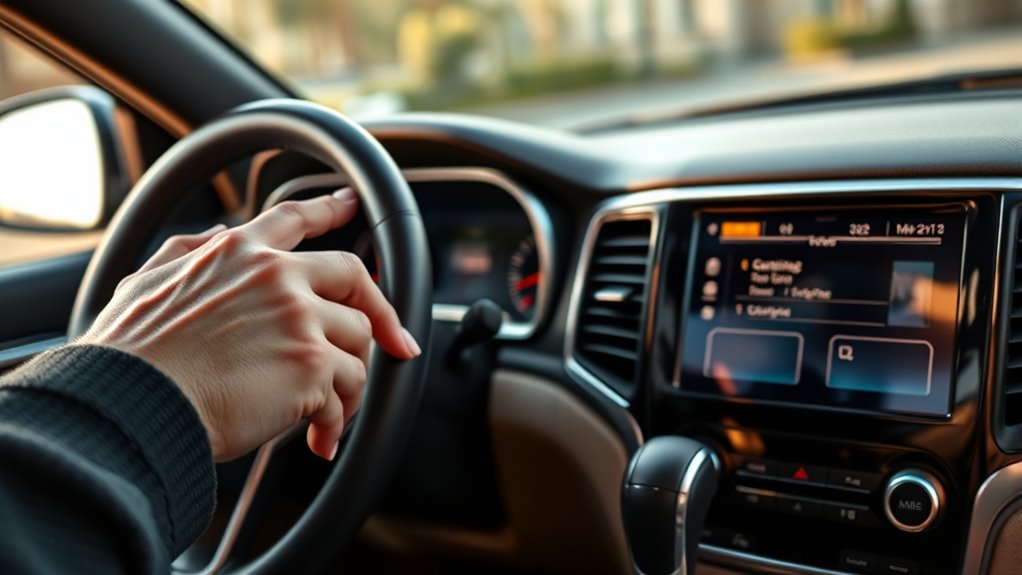
If your Jeep Grand Cherokee’s touchscreen becomes unresponsive or lags when you try to navigate menus, it’s a clear sign that the system needs a reset. You might notice a system freeze where the screen gets stuck on a single image or shows wrong info like incorrect navigation or climate controls.
These display glitches often lead to infotainment issues, including flickering screens or random restarts, which disrupt your driving experience. When buttons on the touchscreen stop working or you see persistent error messages, it’s time to contemplate the reset procedure.
Display glitches causing flickering or random restarts signal it’s time to reset your Jeep’s touchscreen system.
Don’t ignore connectivity problems either. Unsynced audio controls or Bluetooth failures also indicate the need to reset your Jeep’s screen. Addressing these symptoms promptly ensures your infotainment system runs smoothly, restoring proper function and enhancing your in-car experience.
Keeping an eye out for these signs helps you know exactly when to perform a reset and avoid further complications.
How to Safely Prepare Your Jeep Before Resetting the Screen
Before resetting your Jeep Grand Cherokee’s screen, you’ll want to make certain the vehicle is safely prepared to avoid any interruptions or damage. First, confirm your Jeep is parked on a flat surface with the engine running or in accessory mode. This helps maintain power stability throughout the reset process.
Engage the parking brake to prevent any unexpected movement, enhancing vehicle safety during the procedure. Next, close all doors and windows to minimize distractions and avoid accidental interruptions.
Turn off all electronic accessories, such as the radio and climate control, to reduce system load and prevent potential electrical issues. These steps are essential for a smooth reset process and help protect your vehicle’s electronic systems.
Perform a Soft Reset on Your Jeep Grand Cherokee Screen
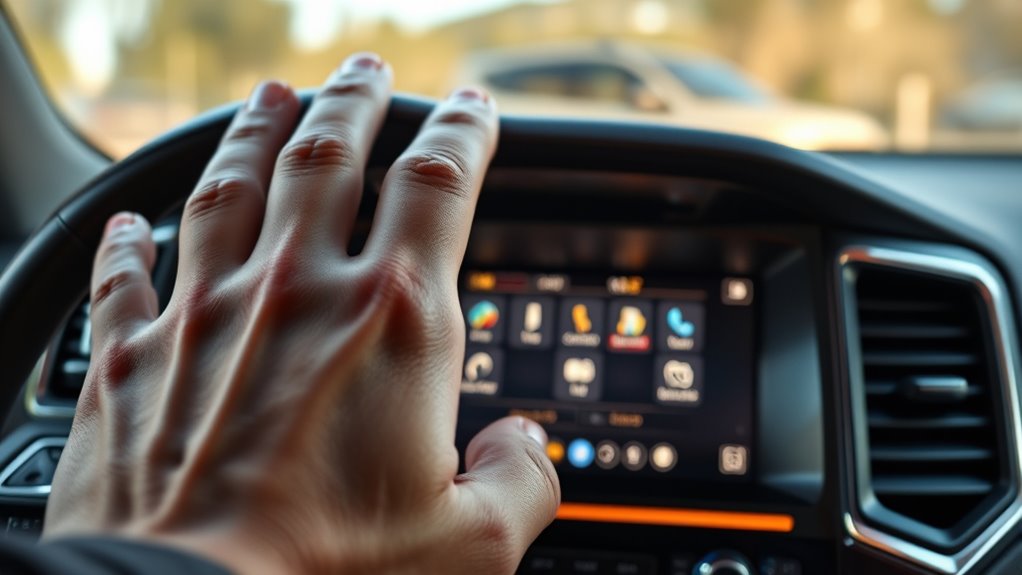
While your Jeep’s screen may occasionally freeze or lag, you can quickly restore its responsiveness by performing a soft reset. First, turn the ignition to the “On” position without starting the engine.
Make sure all the vehicle doors are closed and that electronics like the radio and climate control are turned off to avoid interruption. Then, press and hold the infotainment power button for about 10 seconds.
The screen will go black and then automatically reboot. This soft reset helps clear minor glitches or unresponsiveness in your Jeep Grand Cherokee’s infotainment system without erasing your personal settings or data.
After the reboot, check if the touchscreen functions properly. If you still encounter issues, you can repeat the process. Performing this soft reset is a quick and effective way to solve common screen problems before considering more involved troubleshooting steps.
How to Hard Reset Your Jeep Screen by Disconnecting the Battery
When a soft reset doesn’t resolve your Jeep Grand Cherokee’s screen issues, performing a hard reset by disconnecting the battery can help clear deeper system glitches. To start, turn off your vehicle and remove the key from the ignition.
Open the hood and locate the negative (-) battery terminal. Carefully use a wrench to disconnect it, then do the same with the positive (+) terminal to fully isolate the electrical system. Wait 10 to 15 minutes before reconnecting.
Reattach the positive (+) terminal first, followed by the negative (-) terminal, ensuring each is secure. This hard reset fundamentally forces a factory reset of your Jeep’s infotainment screen and overall system.
Once completed, start your vehicle and check if the infotainment screen responds correctly. This method guarantees a complete system reset, addressing issues that a soft reset might miss.
Disconnecting the battery is a reliable way to reset your Jeep Grand Cherokee’s infotainment screen and restore normal function.
Troubleshooting When Your Jeep Screen Still Won’t Respond
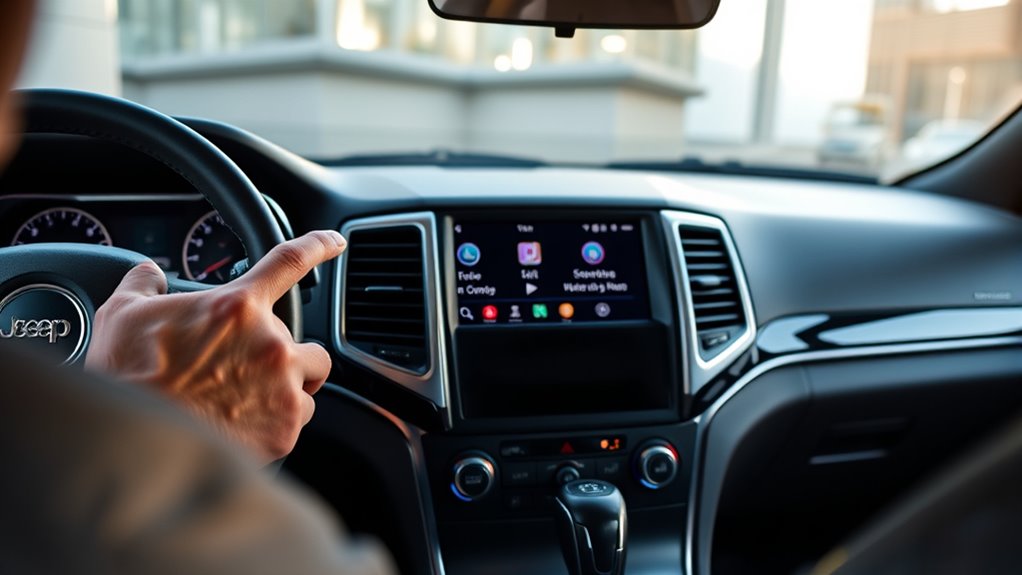
If your Jeep Grand Cherokee screen still won’t respond after a reset, you need to dig deeper into potential causes like blown fuses, loose wiring, or outdated firmware. Start by checking the fuse related to the infotainment system and verify all wiring connections behind the dashboard are secure to avoid connectivity issues.
Next, perform a soft reset and consider updating the software via USB or dealership services to fix software glitches. If problems persist, hardware failures like a faulty display might be the cause, requiring professional diagnosis.
| Issue | Action |
|---|---|
| Blown Fuse | Check & replace fuse |
| Loose Wiring | Inspect & secure connections |
| Outdated Firmware | Perform software updates |
If none resolve the problem, visit a dealer for advanced diagnostics or hardware replacement to restore your screen’s functionality.
Frequently Asked Questions
Can Resetting the Screen Erase My Saved Radio Stations?
No, resetting your Jeep Grand Cherokee screen usually won’t erase your radio presets unless you perform a full factory reset. Soft resets often just reboot the system, fixing touchscreen calibration or applying software updates without losing saved settings.
You can adjust display brightness and interface customization without worrying about your stations. However, if you run system diagnostics or a factory reset, it’s best to back up your radio presets first to avoid losing them.
Will a Screen Reset Affect My Vehicle’s Warranty?
Imagine your Jeep’s screen as a puzzle; a software update or a system reboot gently shakes the pieces to fit better without breaking them. When you perform a hardware reset, touchscreen calibration, or enter diagnostic mode, you’re just nudging the system back to factory settings.
These actions usually don’t affect your vehicle’s warranty, as long as you follow official steps and avoid causing damage during the process.
How Often Should I Reset the Screen to Maintain Performance?
You should reset your Jeep Grand Cherokee screen every 3 to 6 months to maintain performance. This helps with touchscreen calibration and clears error codes that might slow things down.
Regular software updates reduce the need for frequent resets, but if you notice lag or glitches, performing system diagnostics or a firmware reinstall can help. Also, adjusting display brightness occasionally prevents screen issues and keeps everything running smoothly.
Are There Any Risks to Resetting the Screen While Driving?
Resetting your Jeep screen while driving is like juggling knives. You risk driver distraction and safety concerns. A sudden system reboot can cause a screen malfunction or an electronic glitch, leading to visual disruption.
This unexpected hiccup might pull your attention from the road, increasing accident risk. It’s best to wait until you’re parked to reset the screen. That way, you keep both yourself and others safe from avoidable hazards.
Can I Reset the Screen Using Voice Commands?
You can’t reset the Jeep Grand Cherokee screen using voice control alone. The reset procedure usually involves manual steps like touchscreen calibration, software updates, factory reset, or entering diagnostic mode through the system menu.
Voice commands may help with basic functions but won’t initiate a full reset. To properly reset, you’ll need to follow the physical or menu-based instructions rather than relying on voice control.
Conclusion
Resetting your Jeep Grand Cherokee screen is like giving your dashboard a fresh breath of life. Picture the moment when the screen flickers back on, crisp and clear, ready to guide your journey once more.
By following these simple steps, you’re not just fixing a screen, you’re restoring the heartbeat of your ride. So, take a moment, reset with confidence, and get back to enjoying every mile with a fully responsive display.